For event organisers
Everything for the on-site side of your event
Check attendees in, share their hotel, travel and seating details, and run group discussions in the room. EventCrate works alongside your registration system. Pay per event, or subscribe and run events all year.
7-day free trial · No card needed
- 5
- on-site features in one place
- 1,000
- attendees per event
- 7 days
- free trial, no card needed
- £0
- set-up fees
Every feature, in one place
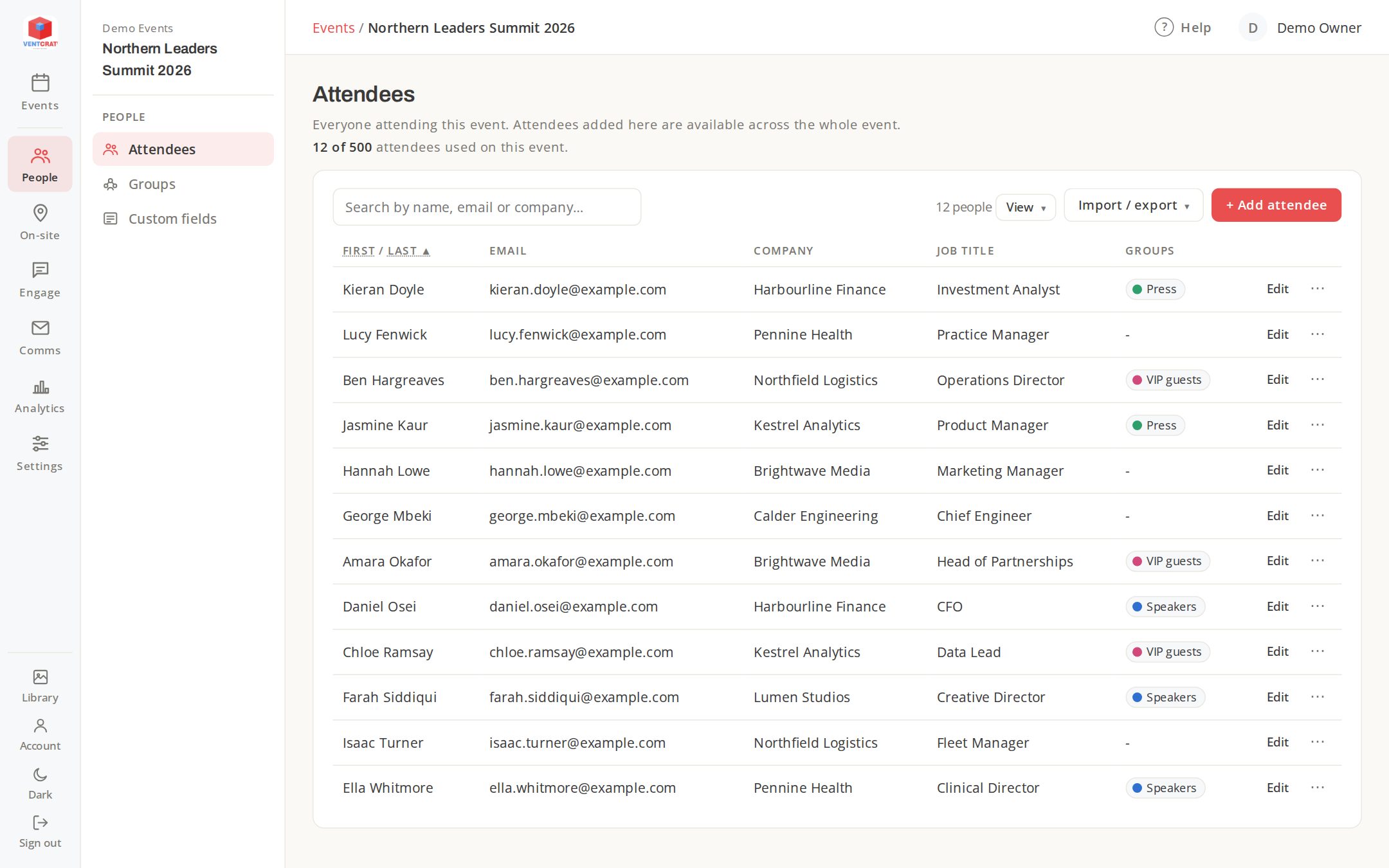
Pick the features each event needs. Your attendee list is shared between them, so you only add people once.
Check-in
A branded kiosk for your welcome desk. Search by name, check people in with a tap and watch arrivals live.
Find out moreAccommodation
Hotels, rooms and dates for every attendee, with a personal guest page showing their own booking.
Find out moreDepartures
Flights, trains and transfers in one place, with a live departures display for the foyer.
Find out moreSeating
Draw the floor plan, seat every attendee and put a "find your table" display up at the door.
Find out moreGroup boards
Attendees post ideas and drawings from their phones; a presenter shows the best on the big screen.
Find out moreCommunications
Branded emails with each attendee’s personal links, sent to everyone or just one group.
Find out moreCheck-in
A welcome desk that keeps up with the queue
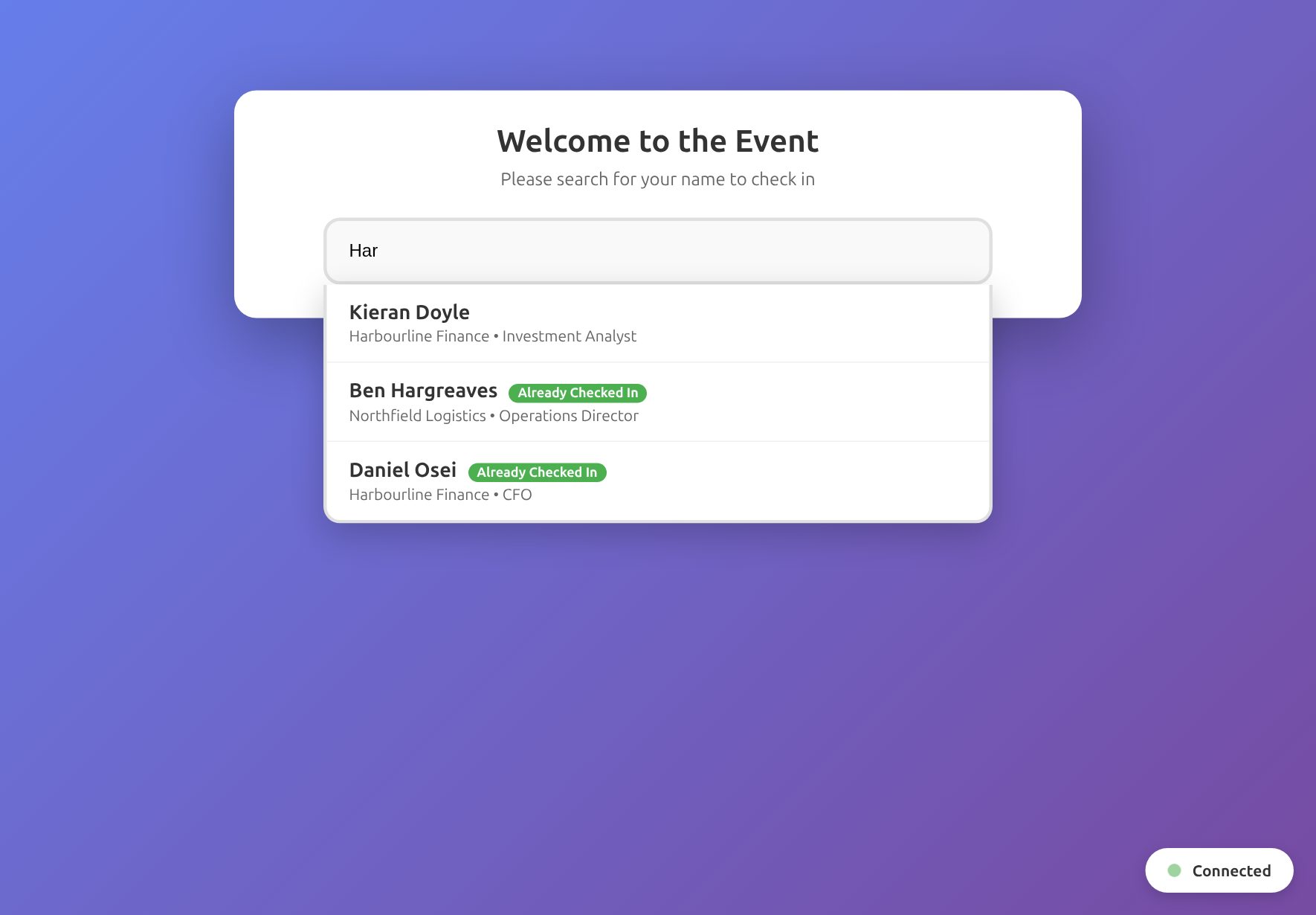
Open the kiosk on an iPad or laptop and your team can find anyone in seconds. Arrivals update everywhere as they happen, so you always know who is still to come.
- Search by name, email or company
- See at once who has already arrived
- Keeps working through a patchy venue Wi-Fi connection
Departures
Get everyone home on time
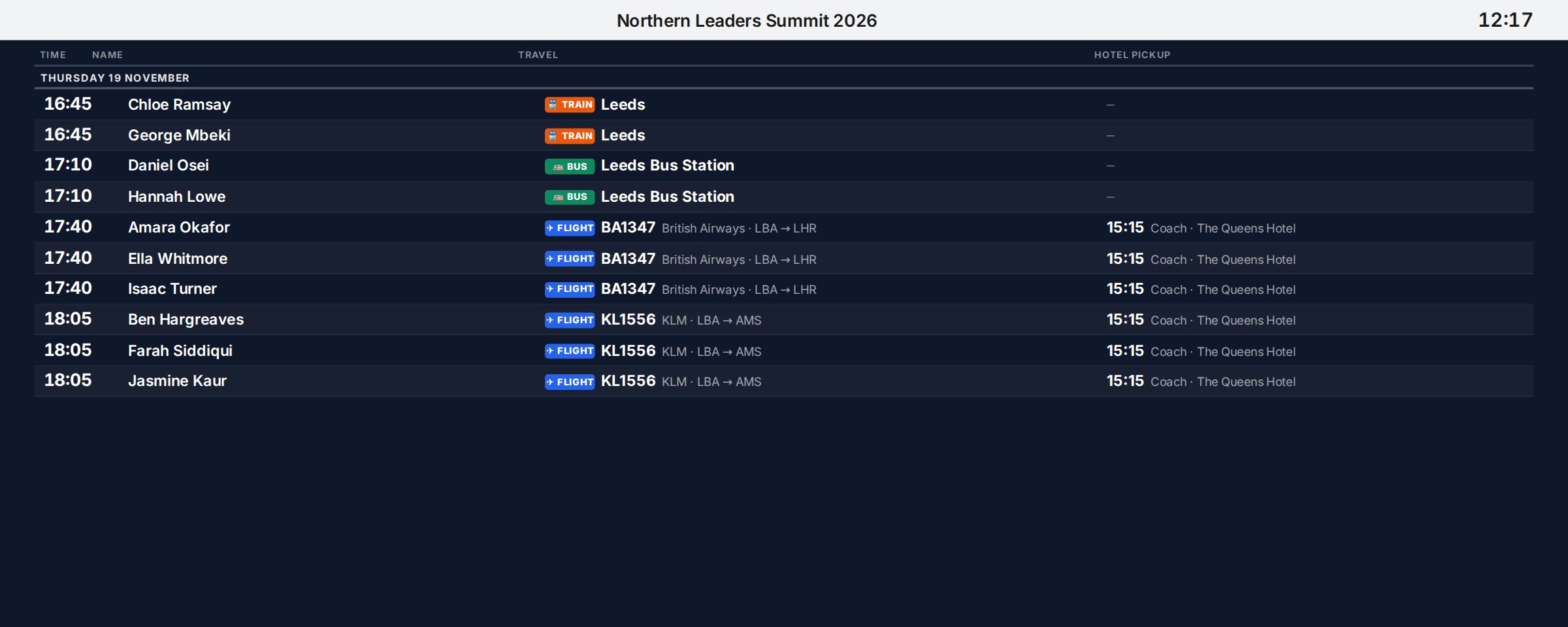
Collect flights and trains, group attendees into transfers and put a live departures display in the foyer. Each attendee also gets a guest page with their own travel details.
- Flight times checked automatically
- Transfers with vehicles, drivers and printable sheets
- A display that updates itself
Up and running in an afternoon
-
Sign up
Start a free trial. You get your own account straight away, with no sales call.
-
Create an event
Add your logo and colours, and pick the features this event needs.
-
Add attendees
Import them from a spreadsheet or your registration system’s export.
-
Go live
Press Go live, then open the kiosk, put the displays up and send everyone their details.
Questions
Does EventCrate replace my registration system?
No. EventCrate looks after the on-site side: check-in, accommodation, travel, seating and engagement. Import your attendees from your registration system and carry on using it for sign-ups and tickets.
How does the free trial work?
You get every feature for 7 days with up to 25 attendees across your events. No card is needed. Upgrade whenever you’re ready.
Do my attendees need to download an app?
No. Guest pages, displays and group boards all open in a web browser, on any phone, tablet or screen.
Can I use my own branding?
Yes. Add your logo, colours and fonts once and every page, display and email uses them. You can also brand each event differently.
How much does it cost?
Pay £249 for a single event, or subscribe for £849 a year and run one live event at a time, as many times as you like. Every feature is included either way. See pricing.
Ready for your next event?
Try every feature free for 7 days. No card needed.